Open Mon-Sat, 9:30am-5pm | Wheatland Tours Mon-Sat, 10am-3pm

Upcoming Events



Latest Blog Posts
Current Exhibitions
Collections
Visit Us
Stay In Touch
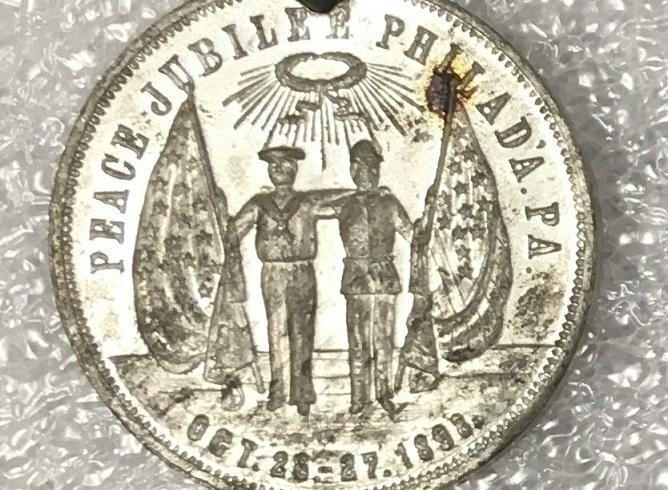
See this pin and other recent artifacts to the LancasterHistory Collections as a part of this Saturday`s Collections Up Close program, "Thaddeus Stevens & The Legacies of Reconstruction."
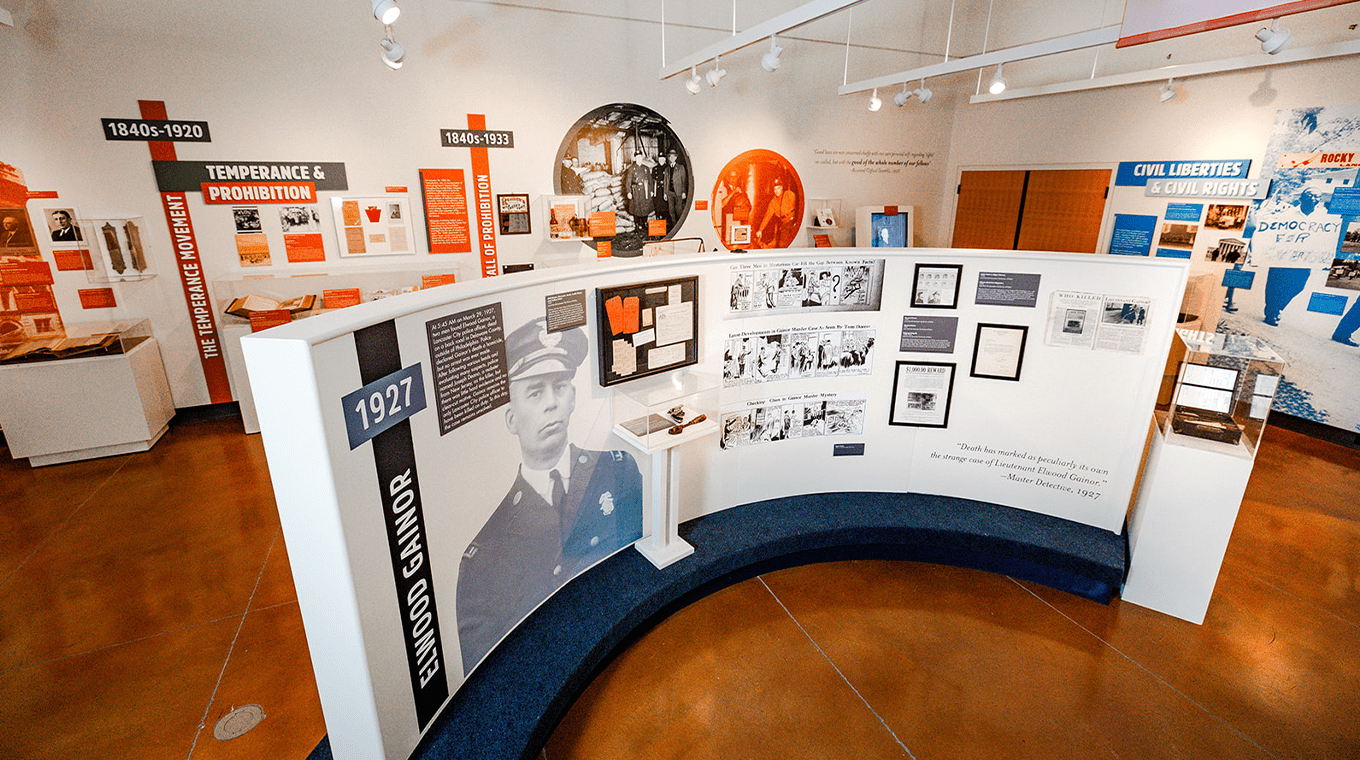
Thaddeus Stevens fought for civil rights and democracy in the 19th century, but his impact has been felt far beyond the three Constitutional Amendments that he helped pass during the Reconstruction Era. Join LancasterHistory’s Dr. Mabel Rosenheck and Naomi Subotnick for a special tour that will explore LancasterHistory’s latest exhibition “Thieves & Vagabonds” as well as a pop-up exhibit of new historic artifact acquisitions that explore the social movements of the recent past.
"Thaddeus Stevens & The Legacies of Reconstruction"
Saturday, April 20 with programs at 11am and 2pm
Register for this ✨free✨ program at our website, lancasterhistory.org!


See this pin and other recent artifacts to the LancasterHistory Collections as a part of this Saturday`s Collections Up Close program, "Thaddeus Stevens & The Legacies of Reconstruction."
Thaddeus Stevens fought for civil rights and democracy in the 19th century, but his impact has been felt far beyond the three Constitutional Amendments that he helped pass during the Reconstruction Era. Join LancasterHistory’s Dr. Mabel Rosenheck and Naomi Subotnick for a special tour that will explore LancasterHistory’s latest exhibition “Thieves & Vagabonds” as well as a pop-up exhibit of new historic artifact acquisitions that explore the social movements of the recent past.
"Thaddeus Stevens & The Legacies of Reconstruction"
Saturday, April 20 with programs at 11am and 2pm
Register for this ✨free✨ program at our website, lancasterhistory.org!
0 CommentsComment on Facebook